Make anything
Sites, apps, games, hardware, AI experiments, and whatever you want to make next.
hackclub@lexington:~$ boot HackClubOS
$ who?
students at Lexington High School
$ open after_school.md
We meet after school to build real websites, games, hardware, and side projects. No coding experience required.
Sites, apps, games, hardware, AI experiments, and whatever you want to make next.
New members can join without coding experience and leave with a first commit. We will teach everything.
Projects are for portfolios, friends, and the internet.
Free food is part of the weekly meeting!
No application or tryout. You can just come to Room 215 after school on Thursday.
Lexington's first in-person, student-led hackathon with the theme "Build for someone"
Past event · June 6–13, 2026
Portfolio websites, games, tools, and experiments made by club members.
Make your first repository, make a change, and push something before the meeting ends.
We host biannual hackathons.
Past event · June 6–13, 2026
Lexington's first in-person, student-led hackathon with the theme "Build for someone"
Meet the leadership team.
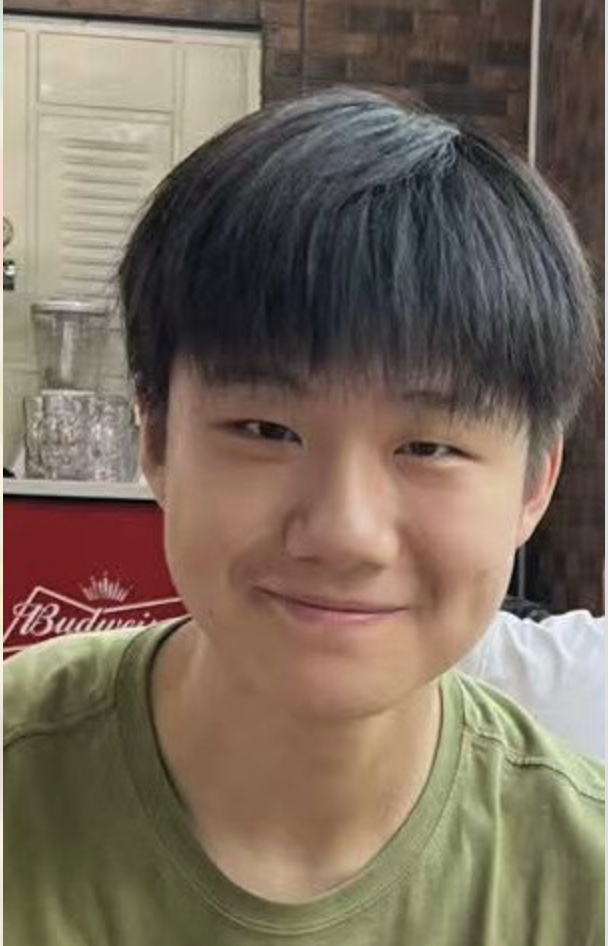
Senior

Senior
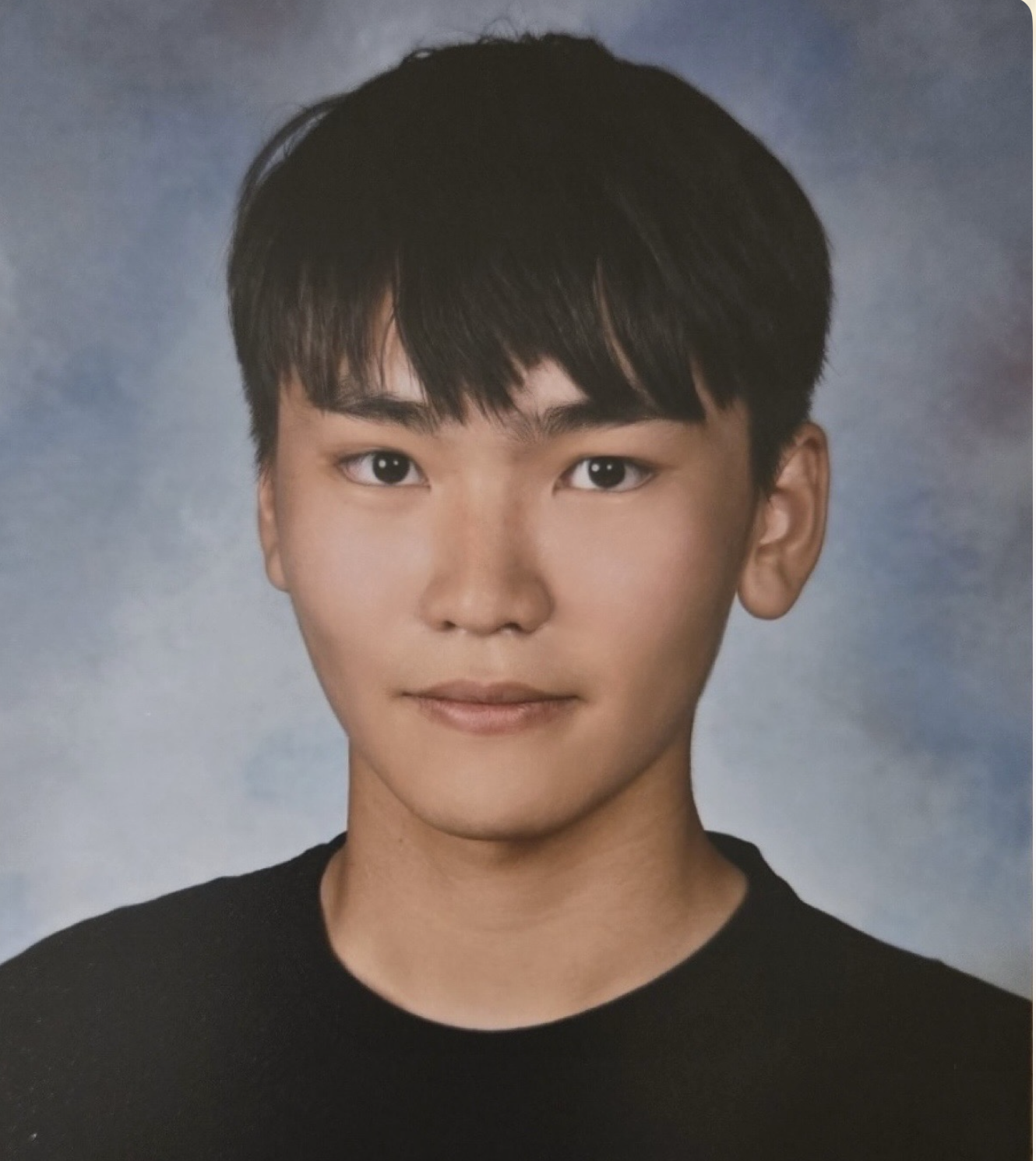
Junior
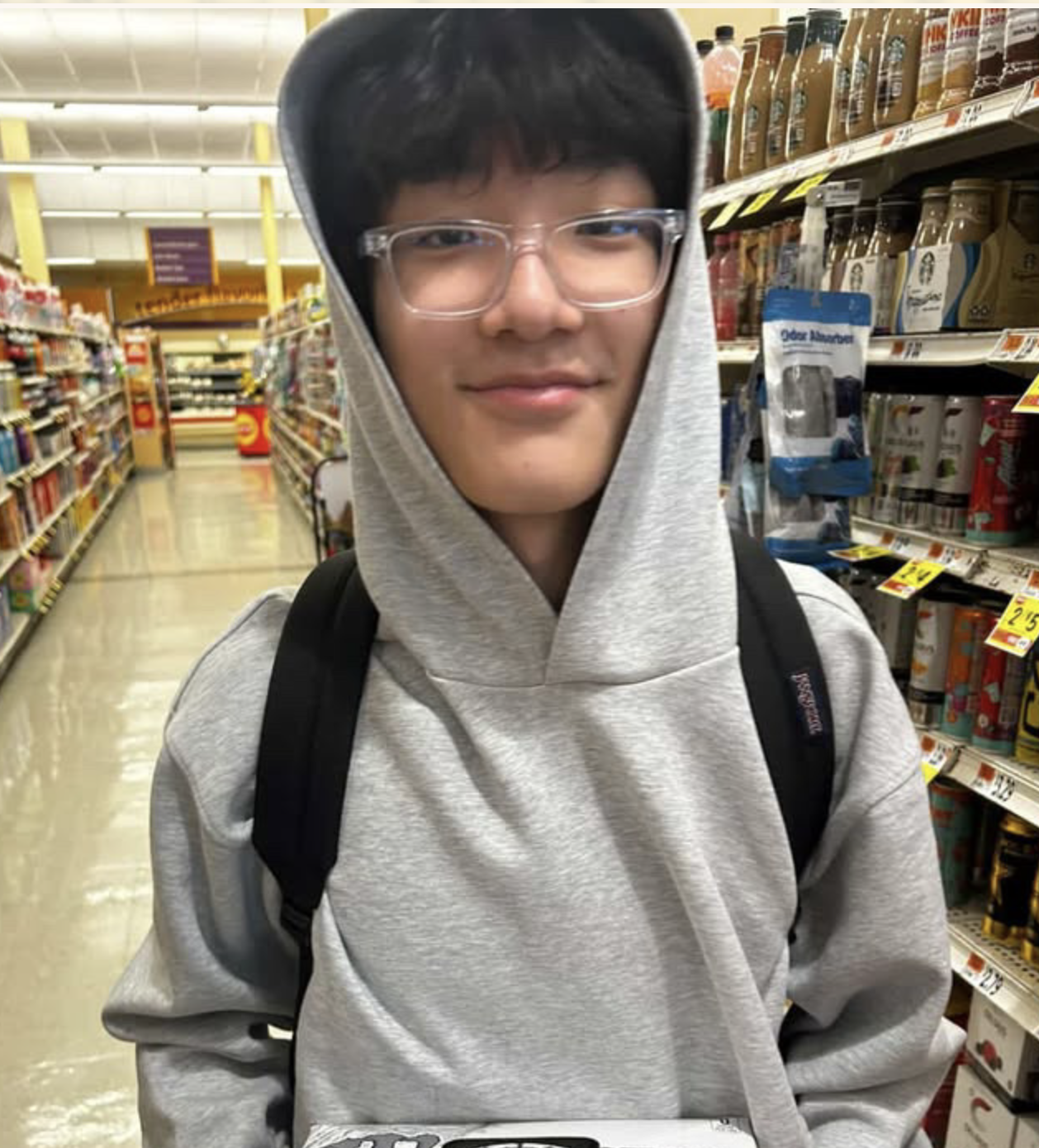
Junior
Photos from club meetings and LexHack '26.
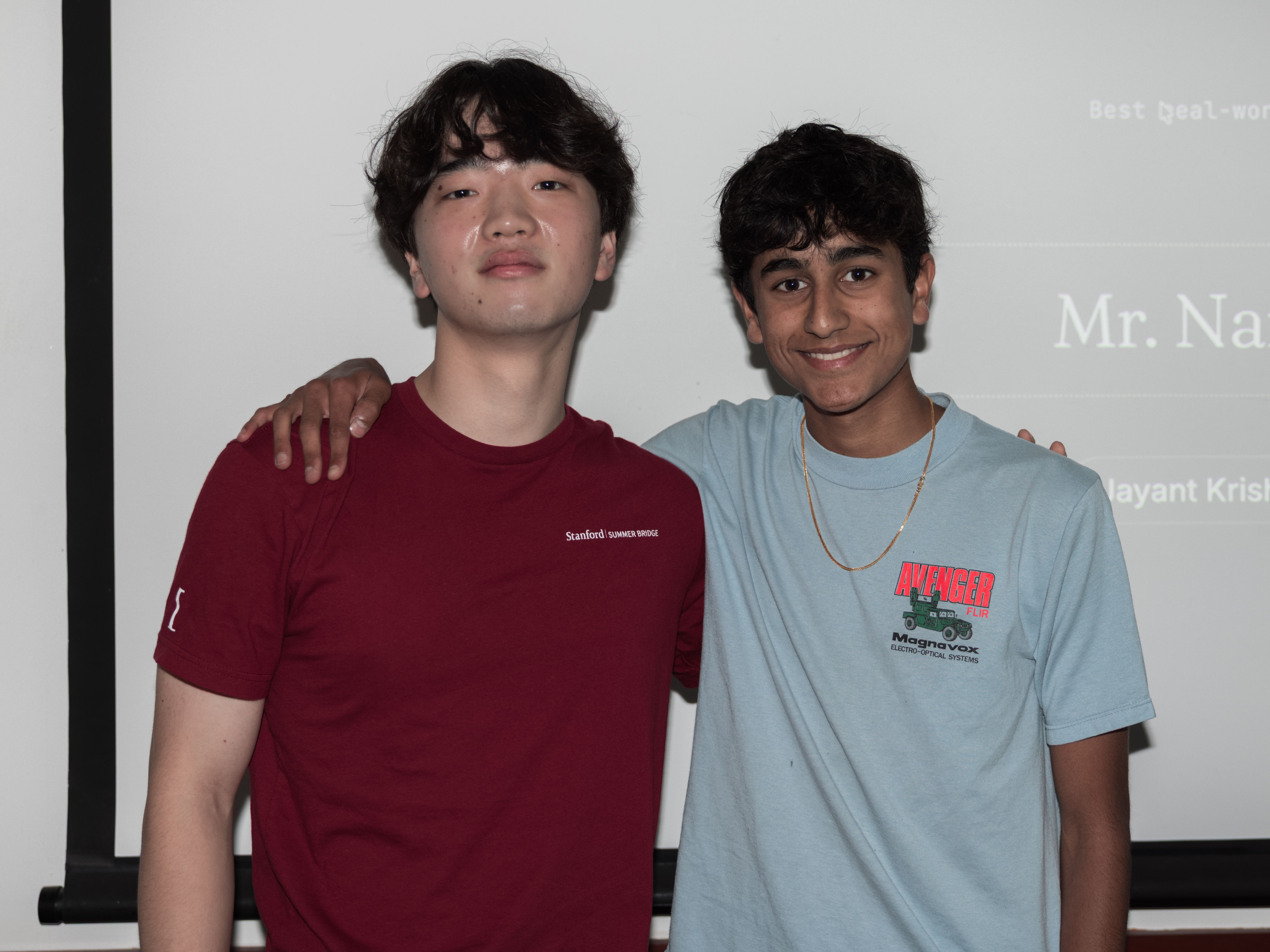
Members: Jayant Krishnan, Kaden Shin, Vivek Varanasi
Prize: $400 cash
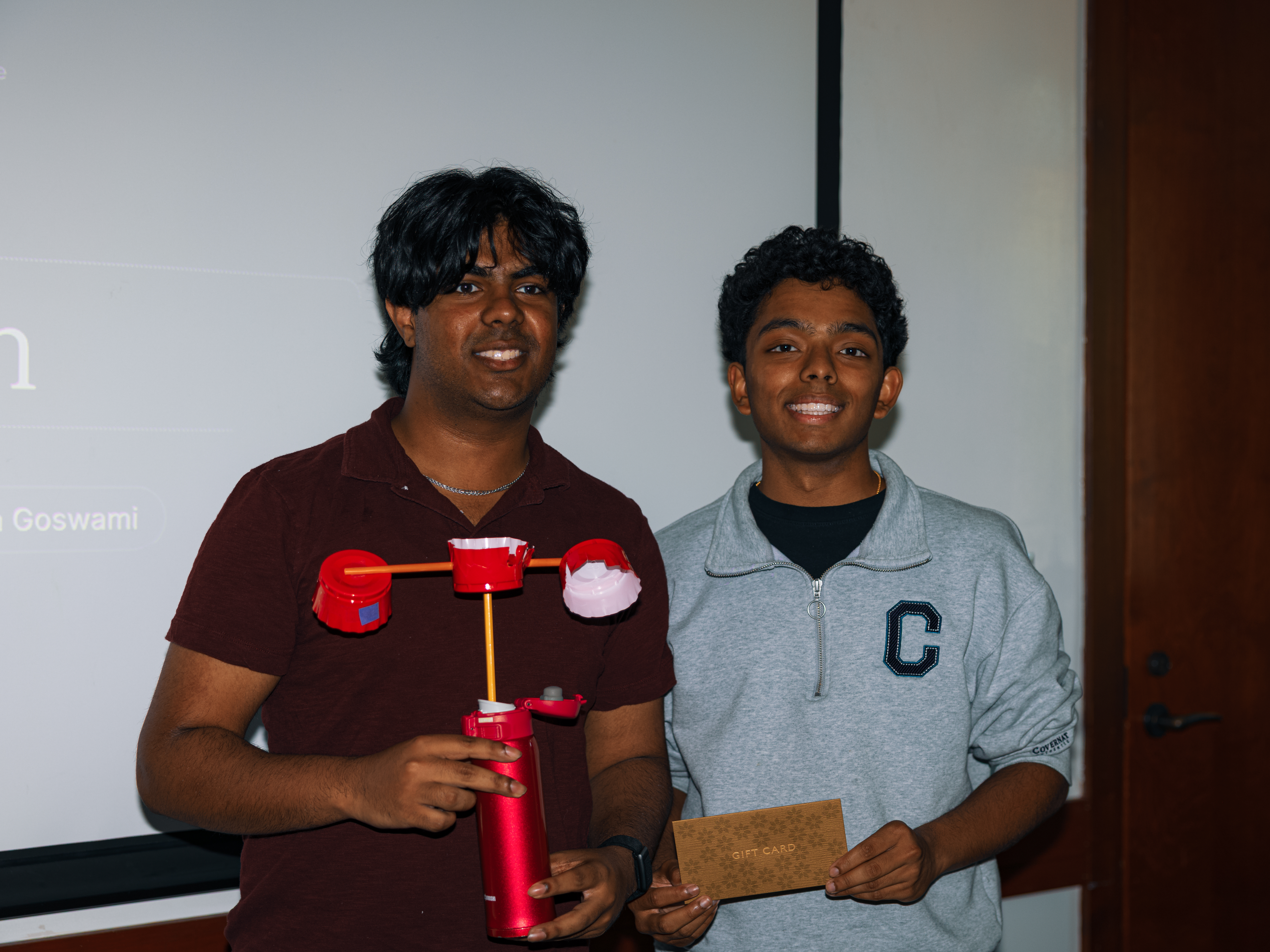
Members: Atharva Ranjan, Toshan Goswami
Prize: $100 cash + $300 Featherless credits
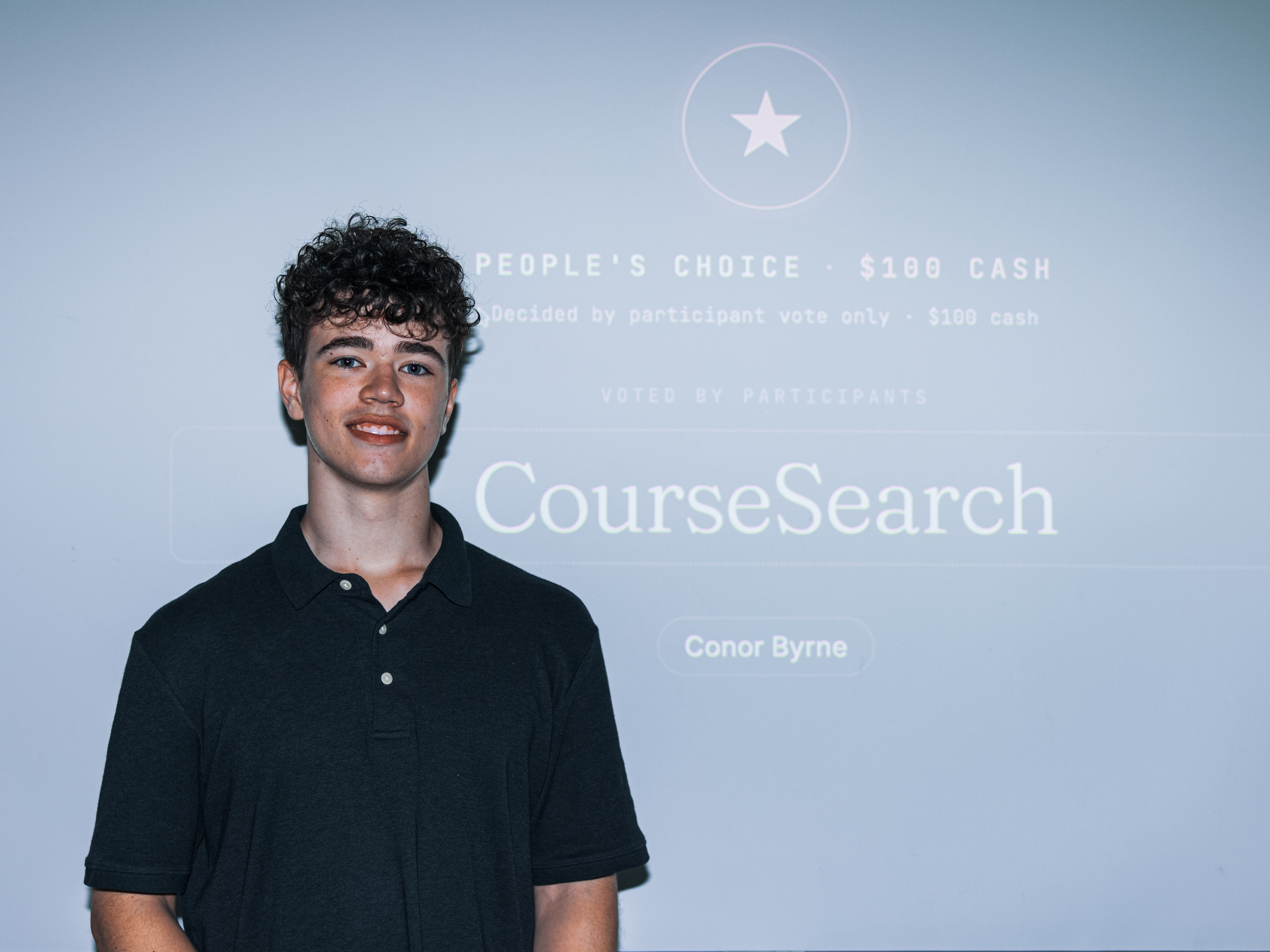
Member: Conor Byrne
Prize: $100 cash
Huge thanks to the sponsors who have supporeted us. Click any logo to visit them.
No. We are here to teach everyone!
No. It is free to join.
A laptop if you have one. But you can also use the school iMac.
23 worlds, arranged by color. Cherry Blossom is the default.
On desktop, arrow keys move the window. Shift and arrows resize. Alt makes one-pixel adjustments. Enter maximizes or restores. Escape closes the window.